Hi!! Amazing work from you (as always!) I only found difficulties to import the sprites to manage the tileset in unity, can you provide some info on how to slice and imports the sprite?? :'(
Hi,
Thank you so much.
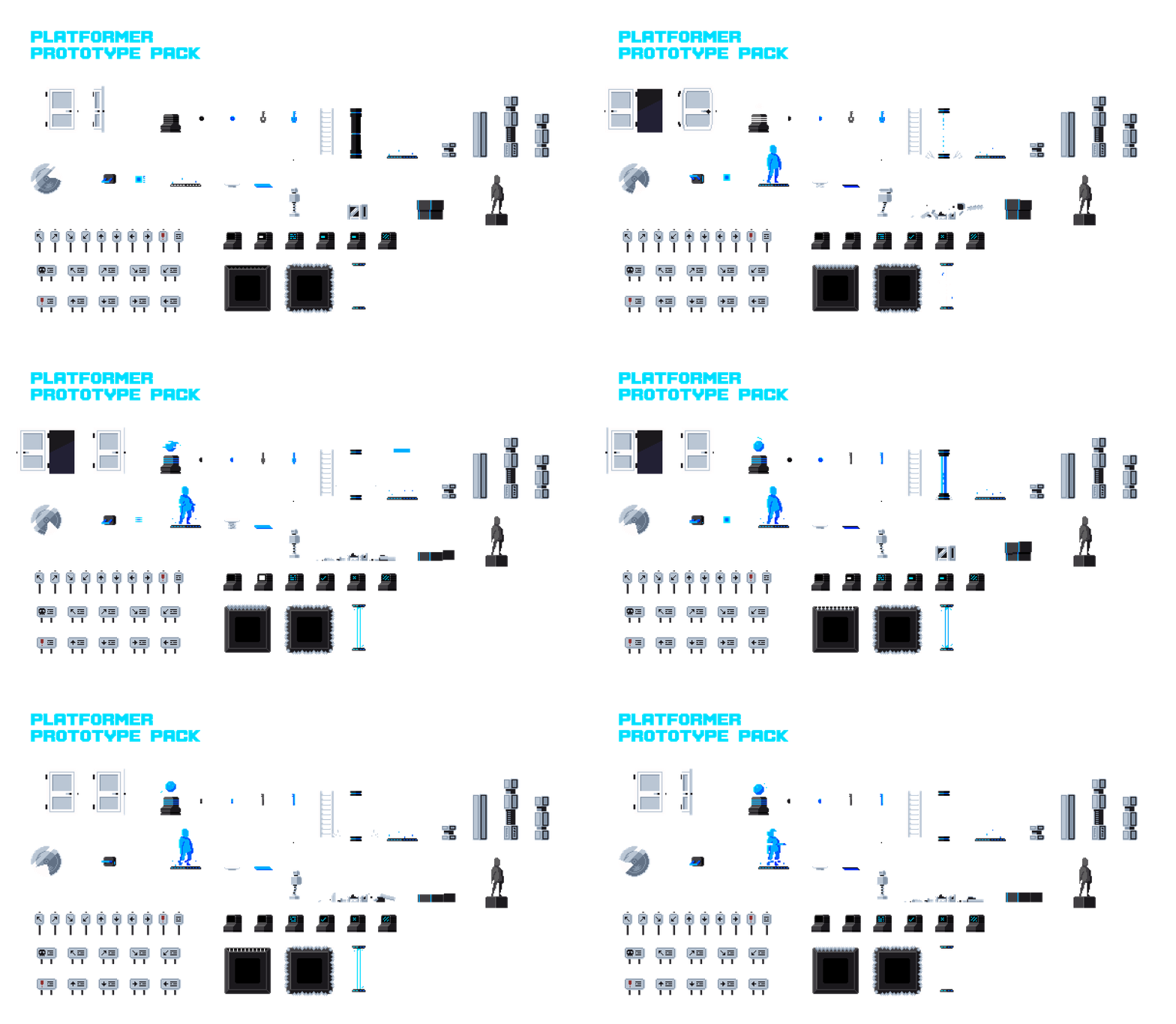
The tileset can be sliced using 16x16 tiles.
Please let me know if this helps or if you need any further assistance and what specifically you need help with.
I've bought several of your platformer packs and they've been amazing. I'm currently learning Godot, and your assets have become the foundation of my learning project.
One thing I'm still trying to figure out is how to properly use the tilesets included in your packs. There are lots of interesting shapes, slopes, and modular pieces, but I'm not sure how they were intended to be used inside Godot.
Do you have any documentation, tutorials, example projects, or maybe some recommendations on the best workflow?
Thanks for the message! Great to hear the assets are useful in your game dev journey.
Regarding resources and tutorials, I don’t have any custom tutorials. But there are a few good ones on YouTube explaining how to setup and use tilesets/tilemaps, like for example this fairly short and simple one:
https://www.youtube.com/watch?v=PDlwQM1AnYI
If you could send me an email to deadrevolvermusic@gmail.com, I’d also be happy to send you the demo Godot project with the tileset setup.
Which will be the best to use for conveyor belt? I have a box2d conveyor in my game I am using RUBE to just draw everything where I need it positioned. I have all 4 packs for platformers
Here is a youtube short with conveyors made with open ai. I struggle to get it to give me transparent background animations. It said it was seam-less too lol. I am working with libgdx in Android Studio.
Thanks for the video. I see it looks like you have the functionality working, so you want to know how to create the animation/art for the conveyor belt, right? I just want to make sure I understand the question first.
It'll be interesting to see what the artist thinks a conveyor belt in the style looks like. I am pixel art challenged and have settled for a low detail dall-e one( I just told it to match the style from the background buildings and the cat animation). I really thought I had seen one in the miscellaneous platformer assets pack.
Hey. That’s an interesting question.
I unfortunately don’t have too much time to create an intricate version of this (lots of work and projects at the moment), but I created a quick one here. Hopefully it is useful to you in some way.
Hi, sorry for the trouble. Unfortunately, Stripe for card payments is not available in my country. If you could send me an email to deadrevolvermusic@gmail.com, I’d be happy to provide an alternative method.
I hope this helps.
I've been waiting for another sprite pack from you, and I was definitely not disappointed at all! All the sprites look awesome and high quality! Thank you!
← Return to asset pack
Comments
Log in with itch.io to leave a comment.
Hi!! Amazing work from you (as always!)
I only found difficulties to import the sprites to manage the tileset in unity, can you provide some info on how to slice and imports the sprite?? :'(
Hi, Thank you so much. The tileset can be sliced using 16x16 tiles. Please let me know if this helps or if you need any further assistance and what specifically you need help with.
Thanks this helped a lot! (i was slicing 32x32, the same I used for the character)
I am re-sizing everything! Great job <3
Awesome :)
(just for info, also the sprite for character and enemy is 16px slice?)
The player and enemy sprites are 96x84px.
Hi Dead Revolver!
I hope you're doing well.
I've bought several of your platformer packs and they've been amazing. I'm currently learning Godot, and your assets have become the foundation of my learning project.
One thing I'm still trying to figure out is how to properly use the tilesets included in your packs. There are lots of interesting shapes, slopes, and modular pieces, but I'm not sure how they were intended to be used inside Godot.
Do you have any documentation, tutorials, example projects, or maybe some recommendations on the best workflow?
I'd really appreciate any advice you can share.
Thanks for creating such high-quality assets!
Hi,
Thanks for the message! Great to hear the assets are useful in your game dev journey.
Regarding resources and tutorials, I don’t have any custom tutorials. But there are a few good ones on YouTube explaining how to setup and use tilesets/tilemaps, like for example this fairly short and simple one: https://www.youtube.com/watch?v=PDlwQM1AnYI
If you could send me an email to deadrevolvermusic@gmail.com, I’d also be happy to send you the demo Godot project with the tileset setup.
I hope this helps.
Hi Dead Revolver,
Thank you so much for your reply!
I really appreciate you taking the time to answer.
That would be absolutely amazing. I'd love to study the Godot demo project and understand how you organized the tilesets and terrain setup.
Thank you again for your help and for creating such fantastic assets.
Best regards, Allan
Which will be the best to use for conveyor belt? I have a box2d conveyor in my game I am using RUBE to just draw everything where I need it positioned. I have all 4 packs for platformers
Hey, just to confirm, do you mean to implement the actual gameplay side/mechanics for conveyor belts? Are you using Unity?
Here is a youtube short with conveyors made with open ai. I struggle to get it to give me transparent background animations. It said it was seam-less too lol. I am working with libgdx in Android Studio.
Thanks for the video. I see it looks like you have the functionality working, so you want to know how to create the animation/art for the conveyor belt, right? I just want to make sure I understand the question first.
It'll be interesting to see what the artist thinks a conveyor belt in the style looks like. I am pixel art challenged and have settled for a low detail dall-e one( I just told it to match the style from the background buildings and the cat animation). I really thought I had seen one in the miscellaneous platformer assets pack.
Hey. That’s an interesting question. I unfortunately don’t have too much time to create an intricate version of this (lots of work and projects at the moment), but I created a quick one here. Hopefully it is useful to you in some way.
Here is the link to the Aseprite file and the spritesheets: https://www.dropbox.com/scl/fi/kobapizblj9f25avch53p/ConveyorBelt.zip?rlkey=pttvms2okfpsdfxgefkii8s2m&dl=0
Hi I want to buy this bundle, but there is no payment with card option ? How I can buy it now ? please add card option I need to but this cool bundle
Hi, sorry for the trouble. Unfortunately, Stripe for card payments is not available in my country. If you could send me an email to deadrevolvermusic@gmail.com, I’d be happy to provide an alternative method. I hope this helps.
Of course I'll, thank you man.
I really liked your work. this is a work of art.
Thanks, that means so much!
amazing works as always
Thanks Smokeback!
Amazing work as always, this Will be perfect for My project!
Thanks so much Jack! Please let me know if there are any other things you think that would be good to add to the pack that you need for your project.
I've been waiting for another sprite pack from you, and I was definitely not disappointed at all! All the sprites look awesome and high quality! Thank you!
Thank you!!! I am really glad to hear you like it.